FOR TEACHERS
Built for teachers, loved by students
Give a book, word-list or unit assignment in a few taps; see in the reports who has read and who got stuck; and play one of six class games on the projector in your lesson.
Request a Demo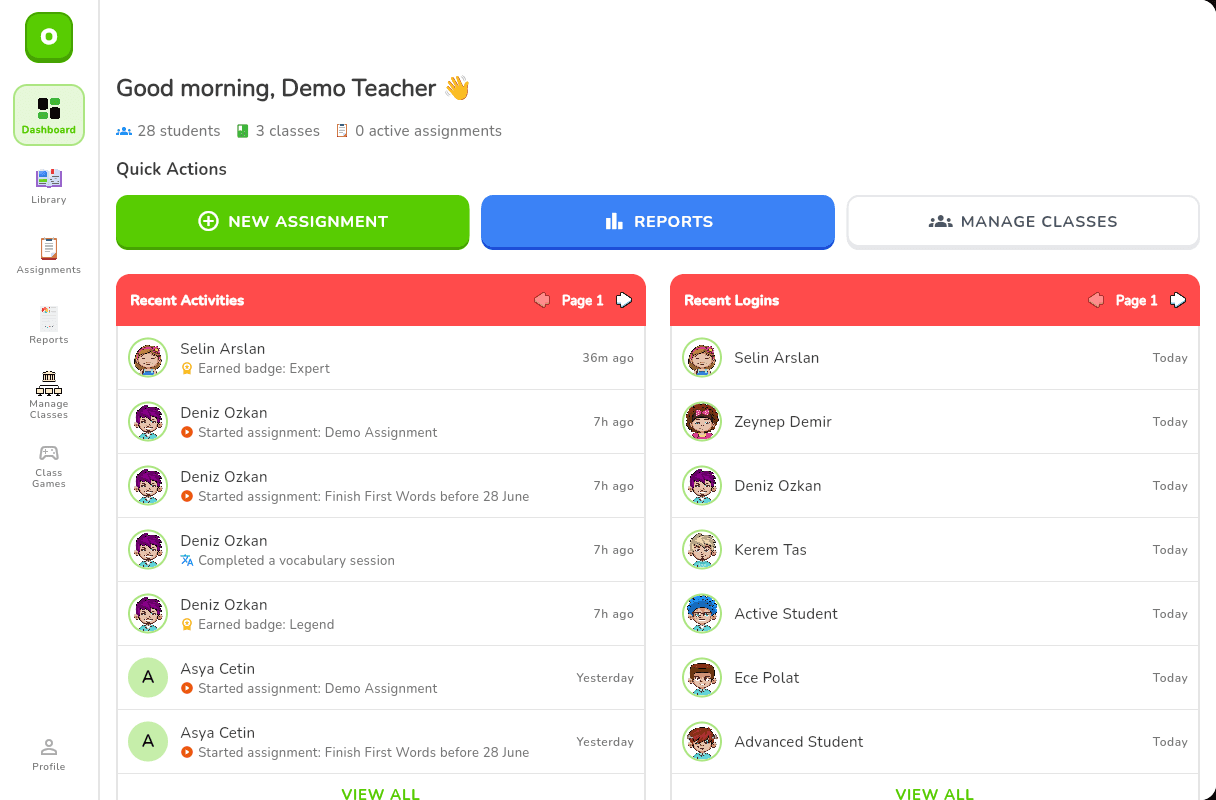
Three kinds of assignment, one screen
You give the assignment to the class; Owlio follows each student's progress on its own.
Book assignment
Pick a book from the library. When the student has read the chapters and completed the book quiz, the assignment completes itself.
Word-list assignment
Assign the unit's word list. Students practise the words with 18 different question types; when the list is finished, the assignment is complete.
Unit assignment
Assign a whole unit of the learning path as one assignment: its books and word lists are tracked together.
Every assignment has a start date and a due date. For a book assignment you can lock the library if you wish: until the assignment is done, the student can open only the assigned books. If a student changes class, their assignments update to match the new class automatically.
Four reports that answer real questions
Who is reading, who got stuck, which assignment isn't finished?
Reading Progress
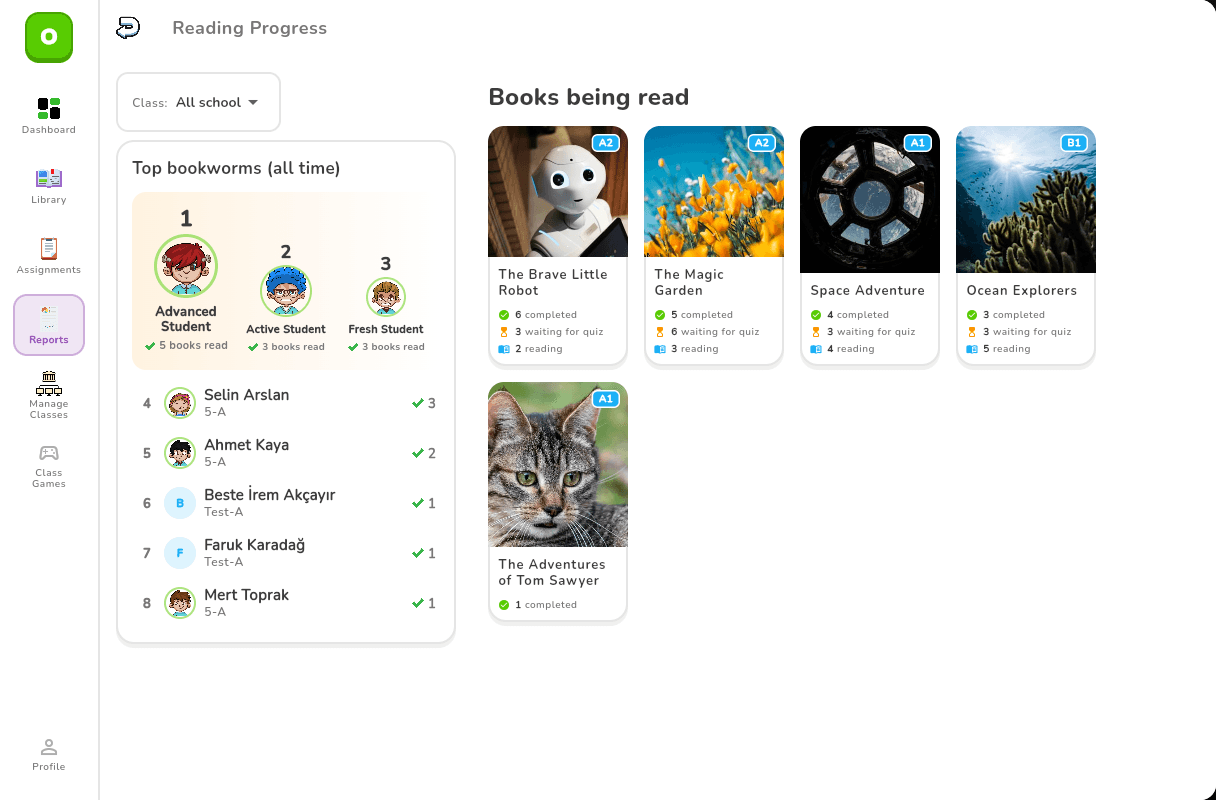
The books your class — or the whole school — is reading: how many students are reading each one, how many are at the quiz stage and how many have finished. Click a book to see every student's finished chapters, reading time and first-attempt quiz score. The ten students who finish the most books appear on the "Top Bookworms" list.
Assignment Performance
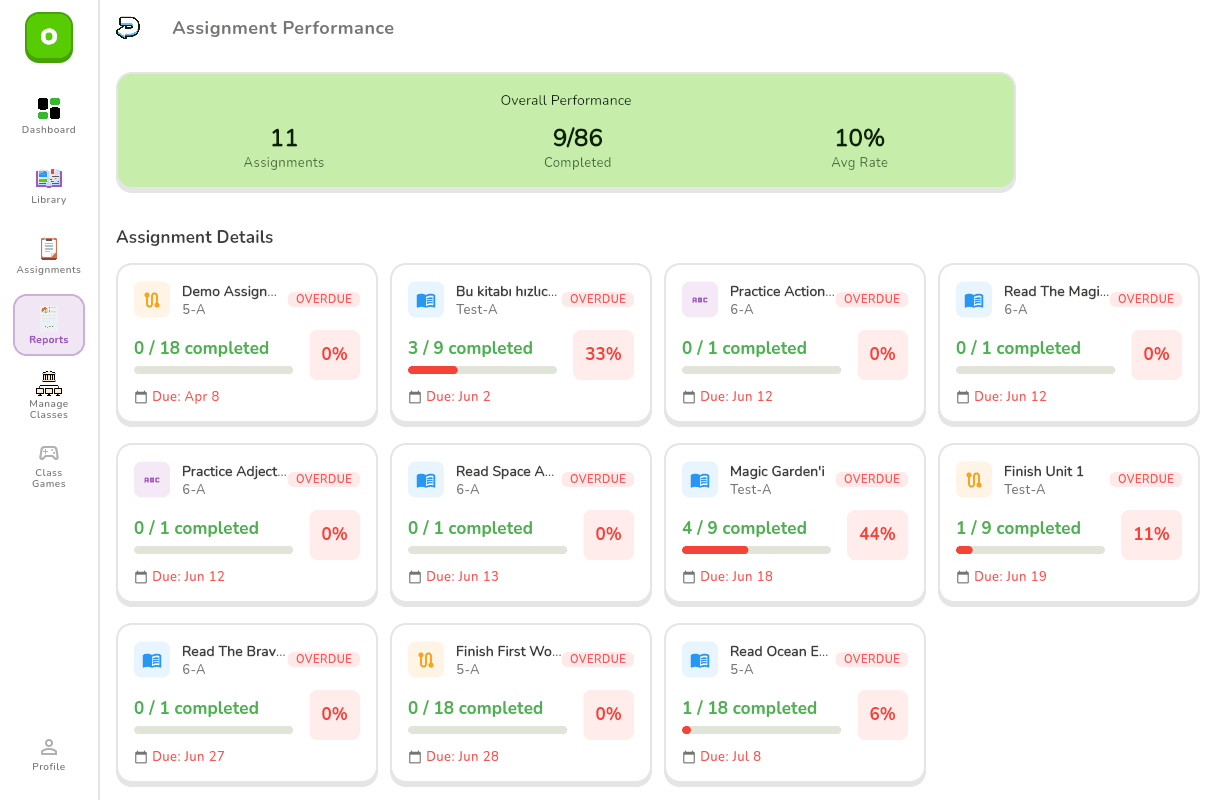
Each assignment's type, class, due date and completion bar. How many students have finished and the overall completion rate, at a glance.
Class Overview and My School
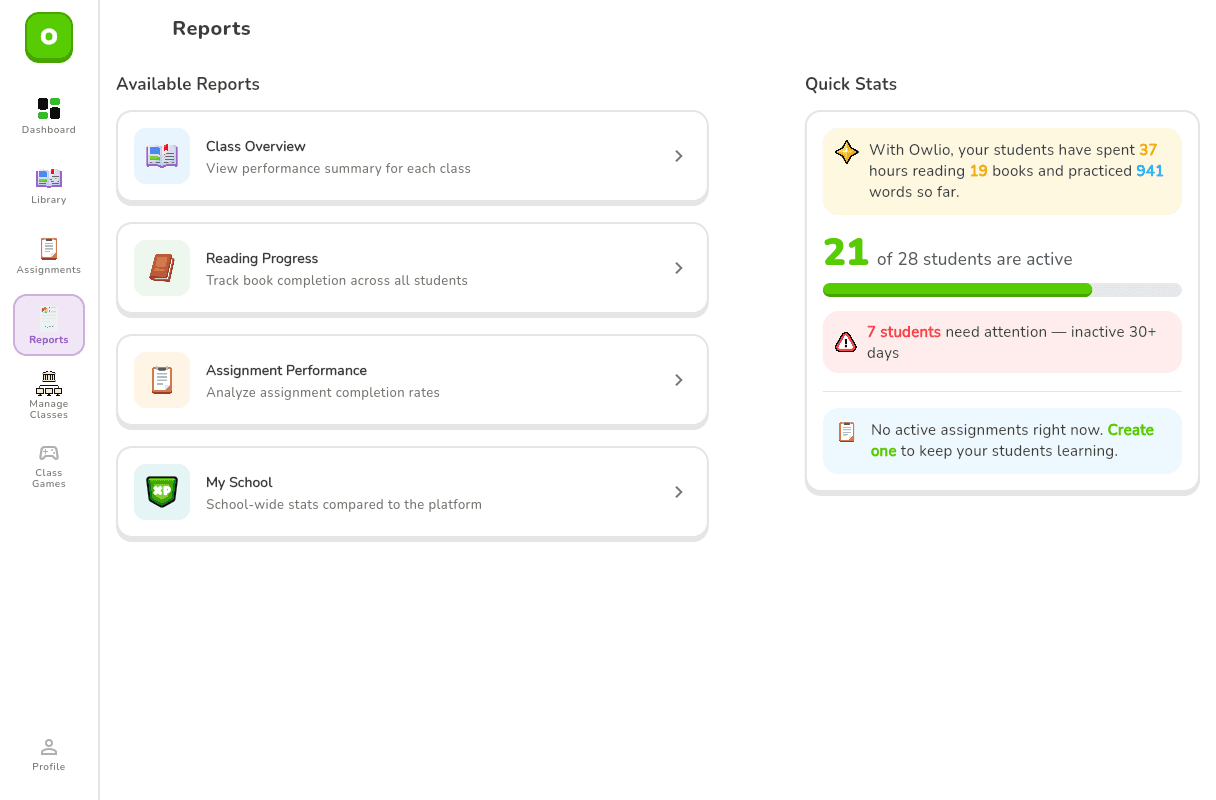
Class Overview shows each class's student count, books finished, word bank and the students active in the last 30 days. My School compares your school's averages — XP, streak, books per student — with the platform average.
Six class games, no student devices
The games run on a projector, a smart board or a tablet. You split the class into teams; students say the answer out loud and you tap the screen. Questions come from the words of the units you choose: picture to word, Turkish to English, English to Turkish, definition to word, word to picture, and the gap in a sentence.
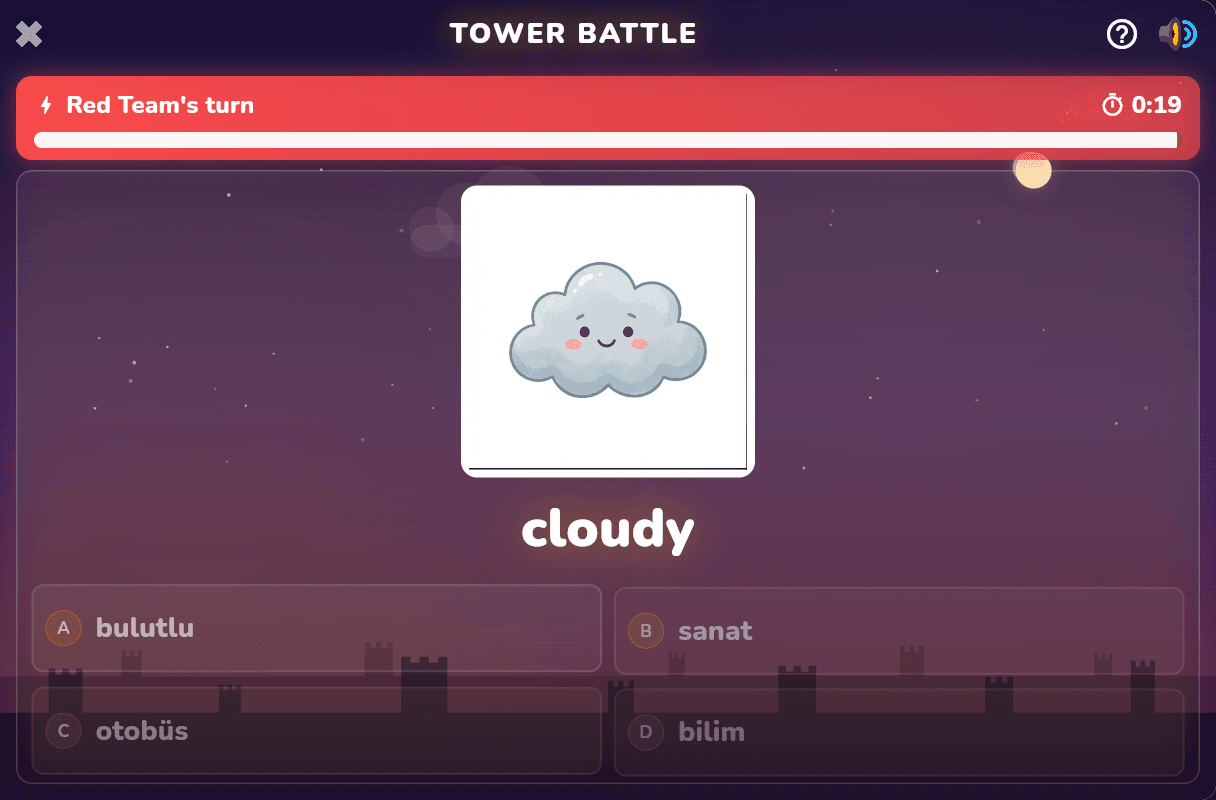
Tower Battle
2–4 teams
A team that answers correctly adds a block to its tower; the first to reach the target height wins.
Point Hunt
2–4 teams
Teams open cards and collect points — with surprises hidden among the cards.
Millionaire
2 players
Two students face off on a 10-step prize ladder.
Chalk Words
2–4 teams
Hangman on the chalkboard: find the hidden word letter by letter; after five misses the word is revealed.
Classroom World Cup
2–8 teams
A knockout cup: every match is a race for goals, and the winner goes through to the next round.
Tic-Tac-Toe
2 teams
Answer correctly to claim a square; three in a row wins.
Quick Play
Just enter the team names. Nothing is saved, and you can play as often as you like.
Rewarded Match
Pick the players from your class list. When the match ends, each of them earns XP (a student earns from up to three matches a day), and the winners spin the reward wheel.
Class management is included too
Login cards
Every student's username and password print to a PDF, 10 cards to an A4 page; the QR code on each card opens the login page. Students don't need an email address.
Vocabulary worksheets
Printable worksheets from the words you choose: matching, fill in the blanks, anagrams, word search, missing letters, sentence writing and picture labelling. The answer key comes as a separate PDF.
Head of department
Sees every class in the school and assigns teachers to classes.
See it with your own classroom
In a 30-minute demo we'll walk through the teacher panel, the reports and the class games together. Afterwards we can open a trial account for your school.
Request a Demo